Support
Creating a ticket
To create a ticket, go to https://hlbot.net/tickets and click "add ticket"

Button to add a new ticket
List of current tickets
Then fill out the ticket by providing the following details:
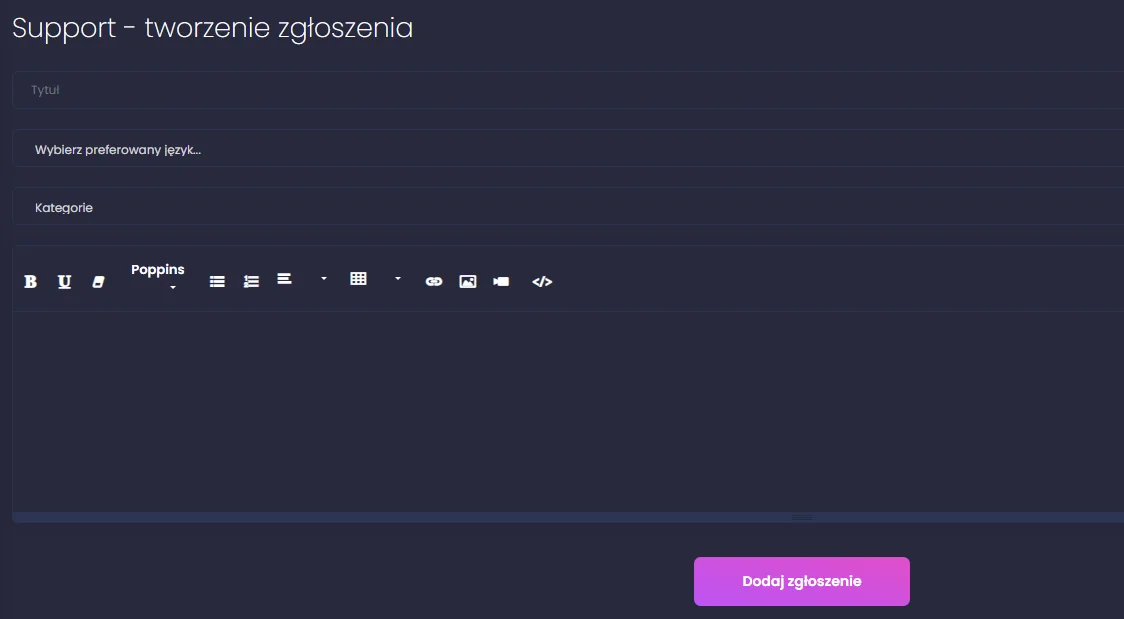
1
Ticket title
2
Preferred language selection
3
Category selection
4
Problem description field
5
Submit ticket button
- Title - Can briefly describe the issue, should include the server name
- Preferred language - Choose the language you want to communicate in (pl/en)
- Category - Choose the category your issue belongs to
- Problem description - Explain the problem as precisely as possible
- Submit button - Click to send your ticket to support
Tip
The more details you provide, the faster the support team will be able to help you.