License
- Buying tokens
- License activation
How to buy tokens
To buy a license go to https://hlbot.net/purchase.
Then select the currency you want to pay with.

Polish Zloty (PLN)
Euro (EUR)
US Dollar (USD)
Turkish Lira (TRY)
If you want to pay with PaySafeCard you MUST choose PLN, only this currency supports that payment method. However, PSC codes can be in different currencies – the system will automatically convert them.
In the next step, choose the package you want and click "Pay".
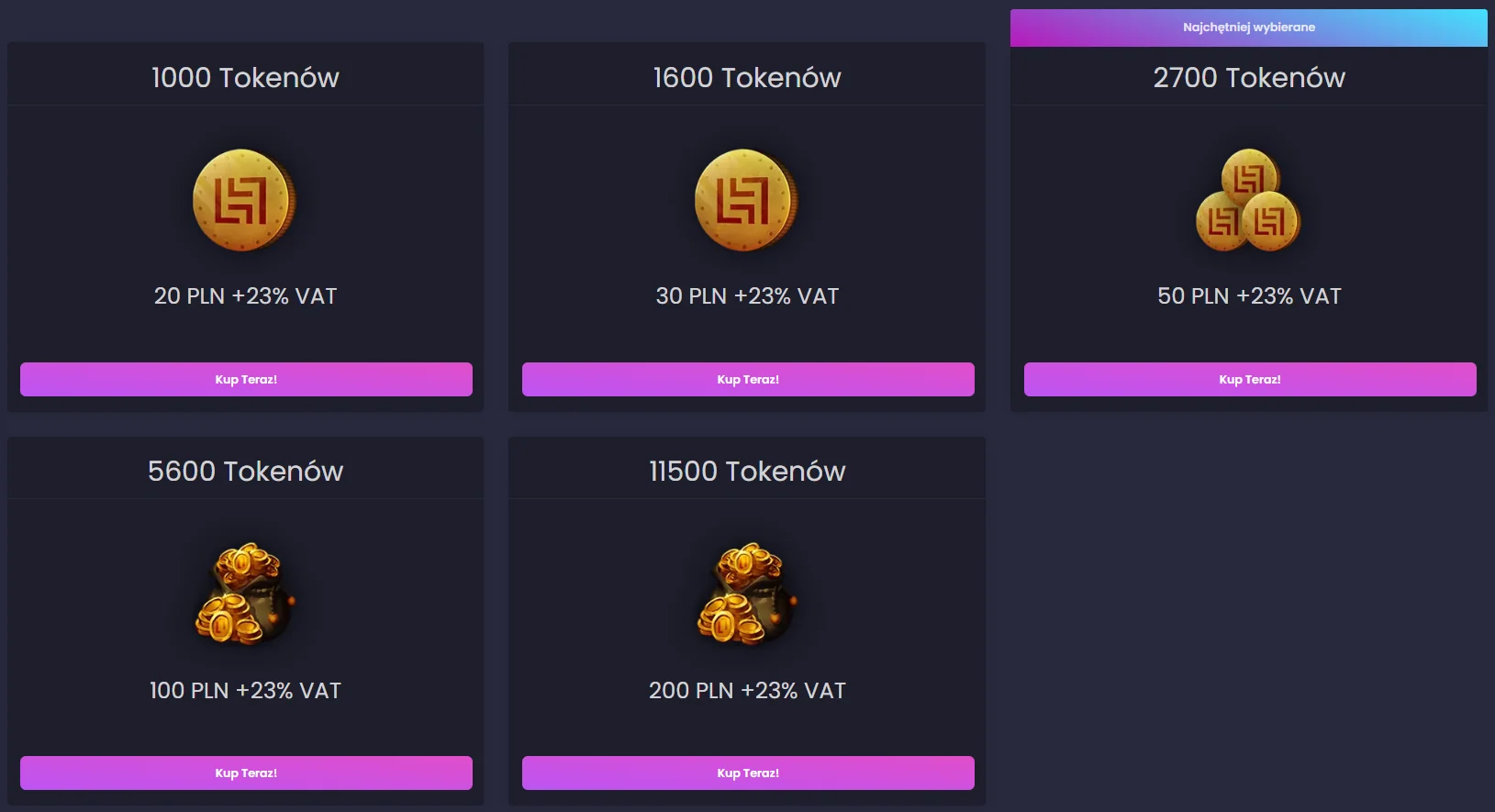
Prices shown are valid as of 03.06.2025. At the time of your purchase, prices may be different!
Now choose your preferred payment method and continue.
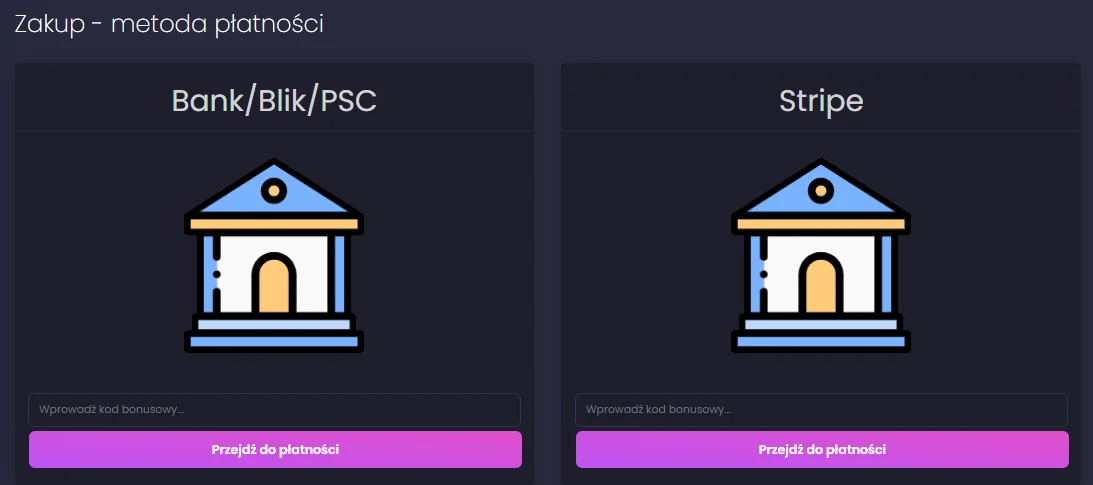
Field to enter a bonus code for extra tokens after purchase (e.g. HLBOT10)
Card payment
Confirmation button
First option allows payment via:
Second option allows payment via:
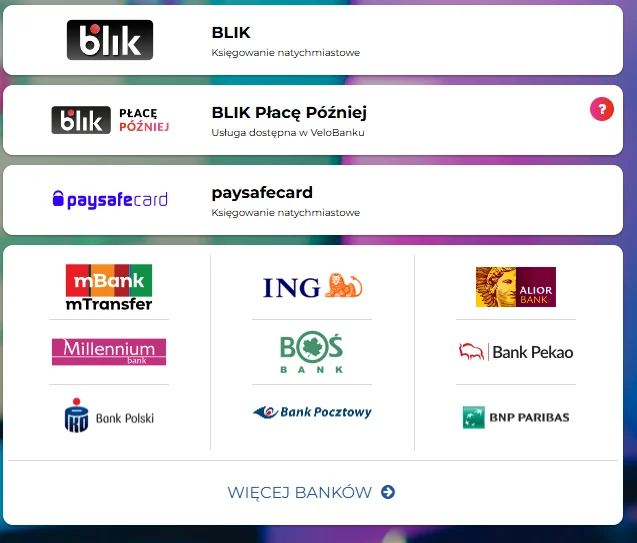
- BLIK
- PaySafeCard
- Traditional bank transfer
- Online bank transfer
Second option allows payment via:
- Credit Card
- Revolut Pay (EUR only)
- Klarna
- Przelewy24 (PLN only)
- BLIK (PLN only)
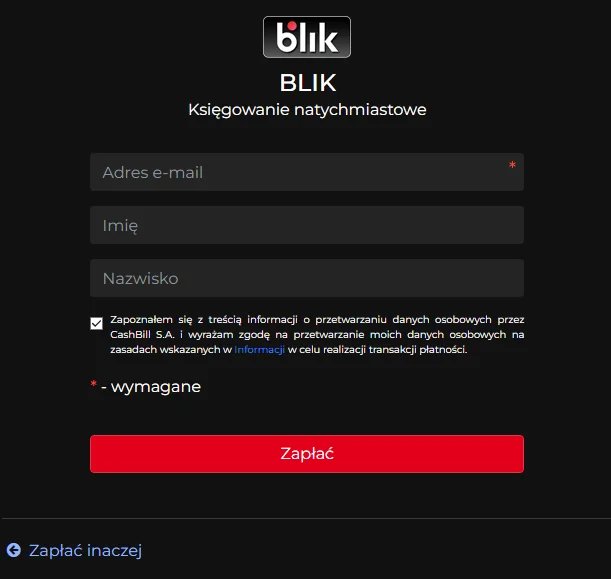
On the provider’s page choose your payment method, then enter your details and complete the payment.
- Cashbill
- Stripe
1
Choose a payment method
- Choose the payment method that suits you best
1
Fill out the form with correct details
2
Click the button to finalize payment with the chosen method
- Fill out the form with correct details
- Click the button to finalize payment with the chosen method

1
Choose a payment method
2
Click the button to finalize payment
- Choose the payment method that suits you best
- After choosing, fill out the form with valid details.
- Click the button to finalize payment
How to activate a license
To activate a license go to https://hlbot.net/license.
Then select the package you want and click "Buy".
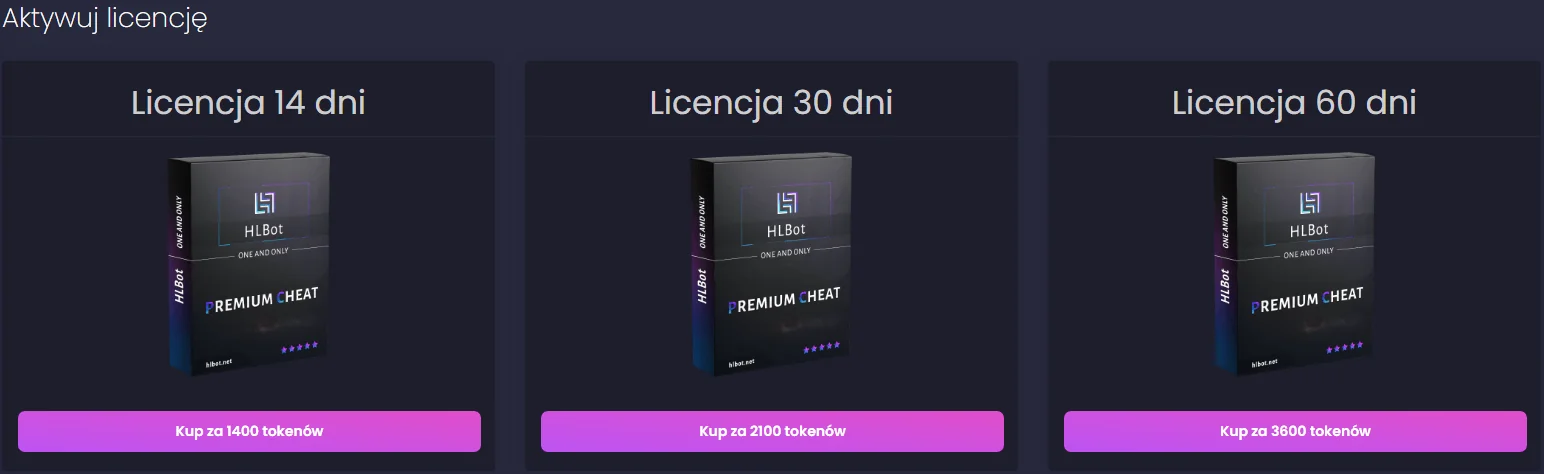
14-day license
30-day license
60-day license
Buy button
Buy button
Buy button
info
After purchasing the license, you can immediately use all bot features.